
-

About Us
Dongguan Mixiao New Material Technology Co., Ltd. was established in 2013 and is located in Changping Town, Dongguan City, the capital of manufacturing. It has strong independent development, design, and production capabilities, and produces products such as metal and non-metal product molds, automotive and motorcycle molds
-
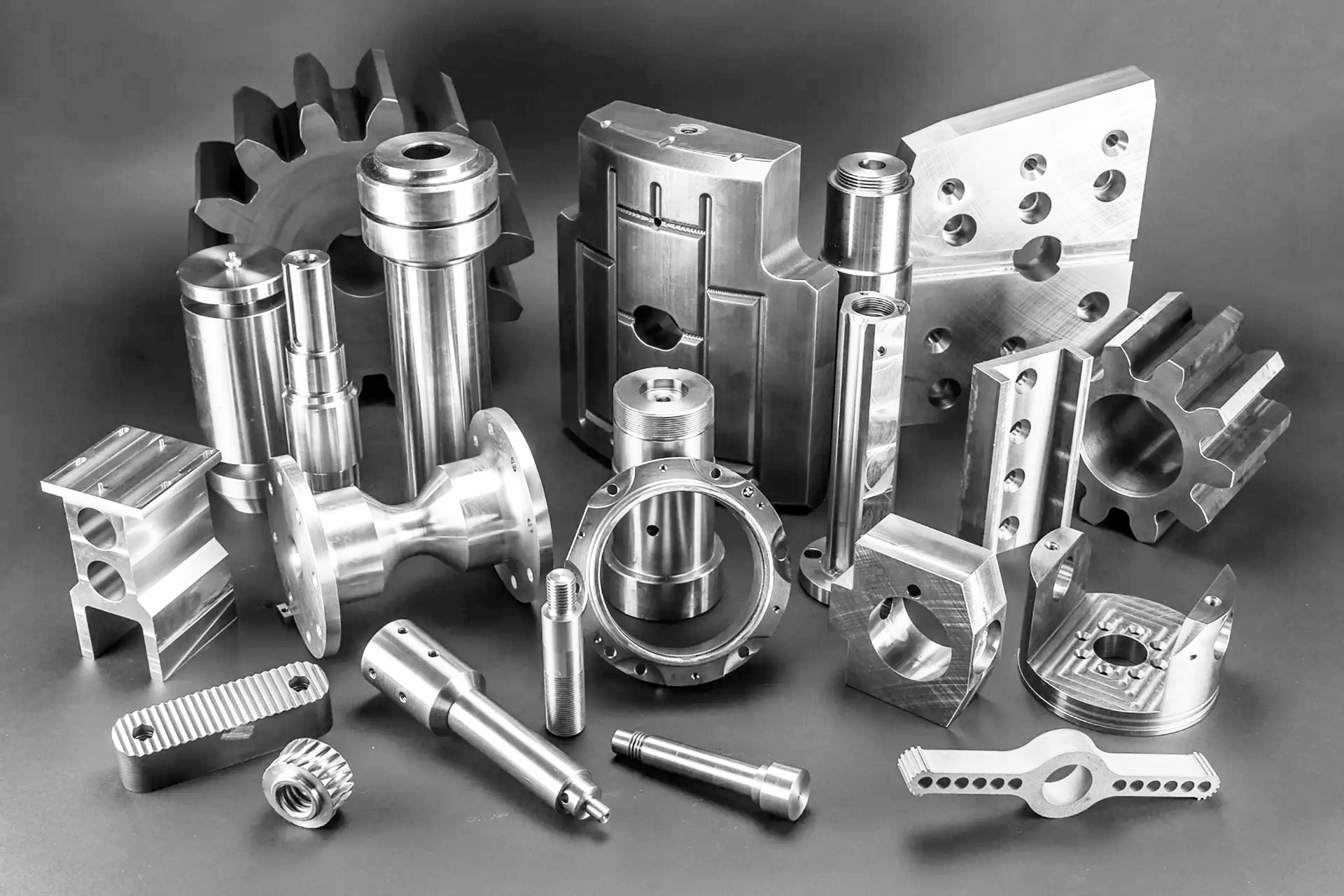
Products
Dongguan Mixiao New Material Technology Co., Ltd. was established in 2013 and is located in Changping Town, Dongguan City, the capital of manufacturing. It has strong independent development, design, and production capabilities, and produces products such as metal and non-metal product molds, automotive and motorcycle molds
-

Service
Dongguan Mixiao New Material Technology Co., Ltd. was established in 2013 and is located in Changping Town, Dongguan City, the capital of manufacturing. It has strong independent development, design, and production capabilities, and produces products such as metal and non-metal product molds, automotive and motorcycle molds
-

Blog
Dongguan Mixiao New Material Technology Co., Ltd. was established in 2013 and is located in Changping Town, Dongguan City, the capital of manufacturing. It has strong independent development, design, and production capabilities, and produces products such as metal and non-metal product molds, automotive and motorcycle molds
-

Contact us
Dongguan Mixiao New Material Technology Co., Ltd. was established in 2013 and is located in Changping Town, Dongguan City, the capital of manufacturing. It has strong independent development, design, and production capabilities, and produces products such as metal and non-metal product molds, automotive and motorcycle molds

How to Achieve Fine Details in Your 3D Prints with the Right Nozzle: A Comprehensive Guide
Release time:
Jul 08,2026
How to Achieve Fine Details in Your 3D Prints with the Right Nozzle Introduction to 3D Printing and Nozzle Importance 3D printing has revolutionized manufacturing and prototyping, enabling creators to turn digital designs into tangible objects. One of the most critical components in this process is the **nozzle**. The nozzle's size and design can significantly influence the level of detail and pre

How to Achieve Fine Details in Your 3D Prints with the Right Nozzle
Introduction to 3D Printing and Nozzle Importance
3D printing has revolutionized manufacturing and prototyping, enabling creators to turn digital designs into tangible objects. One of the most critical components in this process is the **nozzle**. The nozzle's size and design can significantly influence the level of detail and precision in your prints, making it essential to choose the right one for your projects.
The Role of the Nozzle in 3D Printing
Understanding how the nozzle functions is crucial to achieving fine details in your prints. The nozzle is where the filament is heated and extruded to form layers of material. Various factors regarding the nozzle can affect the outcome of your prints, including:
Nozzle Size
The **size of the nozzle** determines the width of the filament being extruded. Smaller nozzles (e.g., 0.2 mm) can produce finer details, while larger nozzles (e.g., 1.0 mm) enable faster printing but with less detail. Selecting the appropriate nozzle size based on your specific project needs is vital for high-quality outcomes.
Nozzle Material
Nozzles can be made from different materials, such as brass, stainless steel, and hardened steel. Brass nozzles are common for standard filament, while hardened steel is best for abrasive materials. Choosing the right nozzle material can also affect the print quality and the lifespan of the nozzle itself.
Factors Influencing Print Detail Quality
Achieving fine details in your prints involves more than just selecting the right nozzle. Several factors play a pivotal role in determining the final quality of your 3D printed object.
Print Speed
The **print speed** you choose can impact the detail level in your prints. Slower print speeds allow for more precise extrusion, which is crucial for intricate designs. While speeding up the process may save time, it can result in a loss of detail.
Layer Height
**Layer height** refers to the thickness of each layer of filament. A smaller layer height leads to smoother surfaces and finer details. For example, using a layer height of 0.1 mm can significantly improve the detail in your prints compared to a layer height of 0.3 mm.
Temperature Settings
The temperature at which you print affects the viscosity of the filament. Too high a temperature can cause the filament to flow too easily, while too low a temperature can lead to under-extrusion. Finding the optimal temperature for your specific filament type is essential for achieving fine details.
Choosing the Right Nozzle for Detailed Prints
When it comes to achieving fine details in your 3D prints, the choice of nozzle is critical. Here are some tips on selecting the right nozzle for your projects.
Assess Your Print Requirements
Before choosing a nozzle, evaluate your print requirements. Are you aiming for intricate designs, or do you need a robust prototype? Understanding your end goal will guide you in selecting the appropriate nozzle size.
Experiment with Different Nozzle Sizes
Don't hesitate to experiment with various nozzle sizes. Start with a standard size (e.g., 0.4 mm) and gradually try smaller sizes (0.2 mm, 0.3 mm) for detailed prints. This process will help you determine the best fit for your printing style and projects.
Consider Specialized Nozzles
For specialized needs, consider using nozzles designed for specific functions. For example, **high-flow nozzles** can handle thicker filaments or produce larger parts quickly, while **micro nozzles** are excellent for highly detailed prints.
Tips for Fine Detail Printing
Once you have selected the appropriate nozzle, it's time to fine-tune other aspects of your printing process to maximize detail.
Optimize Your 3D Model
The quality of your 3D model significantly affects the final print. Ensure that your model is optimized for printing, with sufficient resolution and no unnecessary details that may complicate the printing process.
Utilize Supports When Necessary
If your design features overhangs or intricate elements, using supports can be beneficial. Properly placed supports can help ensure that delicate parts do not collapse during printing.
Calibrate Your Printer
Regular calibration of your 3D printer is essential for maintaining print quality. Ensure that your nozzle height, extruder steps, and other settings are adjusted correctly to avoid issues that may compromise the detail in your prints.
Common Issues and Troubleshooting for Fine Detail Printing
Even with the right nozzle and settings, challenges may arise during the printing process. Here are some common issues and how to troubleshoot them.
Under-Extrusion
**Under-extrusion** occurs when the printer fails to deliver enough filament, resulting in gaps and poor detail. Check your nozzle for clogs and ensure your filament feed is unobstructed.
Over-Extrusion
Conversely, **over-extrusion** leads to excess filament, causing blobs and uneven surfaces. To address this, adjust your flow rate settings in the slicing software and consider re-calibrating your extruder steps.
Stringing and Oozing
**Stringing** is characterized by fine threads of filament connecting different parts of a print. To minimize stringing, fine-tune your retraction settings in your slicer and ensure your nozzle temperature is optimal.
Understanding the Importance of Filament Choice
The choice of filament also plays a significant role in achieving high-quality details. Different materials exhibit varying properties that can affect the outcome of your prints.
PLA vs. ABS
**PLA** is renowned for its ease of use and ability to produce fine details. Conversely, **ABS** is more durable but can warp, making it less suitable for intricate designs. Consider the properties of each filament type when aiming for detailed prints.
Specialty Filaments
Explore specialty filaments such as **PETG**, **Nylon**, or **TPU** for specific applications. Each has unique characteristics that can enhance the quality and detail of your prints, so choose wisely based on your project needs.
Maintenance Tips for Your Nozzle
To ensure the longevity and performance of your nozzle, proper maintenance is essential.
Regular Cleaning
Keeping your nozzle clean is crucial for optimal performance. Regularly check for clogs and perform maintenance when switching between different filament types to prevent contamination.
Replacement Schedule
Consider establishing a replacement schedule for your nozzle based on usage. Frequent printing with abrasive materials may wear down your nozzle faster, necessitating more frequent replacements.
Conclusion
Achieving fine details in your 3D prints is a multifaceted process that hinges on various factors, with the nozzle being a key player. By understanding the role of the nozzle, optimizing your settings, and selecting the right materials, you can elevate your 3D printing skills to new heights. Embrace experimentation, refine your techniques, and enjoy the journey towards perfecting your art of 3D printing.
FAQs
What nozzle size is best for detailed 3D prints?
The best nozzle size for detailed prints is typically between 0.2 mm and 0.4 mm, as these sizes allow for fine detail while maintaining reasonable print speeds.
How do I know if my nozzle is clogged?
Signs of a clogged nozzle include inconsistent extrusion, under-extrusion, or zero extrusion altogether. You can also perform a cold pull to check for blockages.
Can I use a larger nozzle for fine details?
While larger nozzles allow for faster prints, they are less suitable for fine details. A smaller nozzle is recommended for intricate designs.
What temperature should I use for PLA filament?
PLA filament generally prints best at temperatures between 190°C and 220°C. However, always refer to the manufacturer's guidelines for the specific filament you are using.
How can I improve print quality without changing the nozzle?
Improve print quality by calibrating your printer, optimizing layer height, adjusting print speed, and ensuring proper material feeding.
By following these guidelines, you can enhance your 3D printing projects and achieve the fine details you've always desired.

SAF Coolest v1.3.1.2 设置面板 GAGSD-ZGYF-JVZFE-ASQ
无数据提示
Sorry, the current column is being updated, please look forward to it!
You can view other columns or returnHome Page